Invoice vs Receipt: The Difference, With Examples
Invoice vs receipt explained in plain English. Learn when to send each document, the legal differences, and why mixing them up creates tax and cashflow problems.
The one-sentence difference
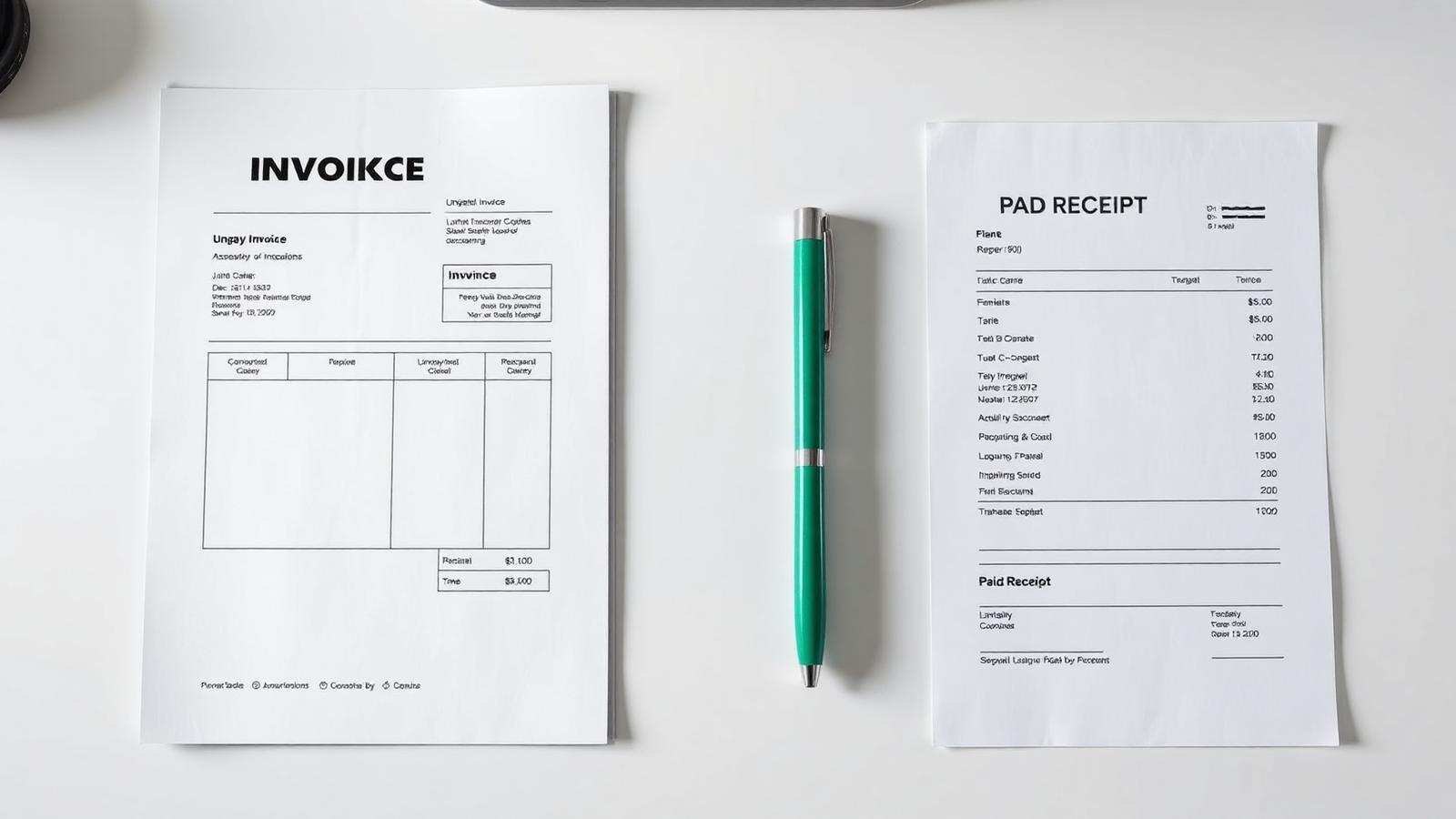
An invoice is a request for payment sent before money changes hands. A receipt is a confirmation of payment sent after money has changed hands. The two documents look similar but serve opposite purposes in the transaction lifecycle.
When to send an invoice
Send an invoice at the moment you have completed work (or delivered a milestone in a longer engagement) and want the client to pay. It includes a due date, payment terms, and payment instructions. It is a live document — the client owes the balance until they pay or you cancel.
When to send a receipt
Send a receipt immediately after the client pays. It confirms the amount received, the method used, and the date of receipt, and it usually references the invoice it settles. For consumer transactions (retail, restaurants, e-commerce), the receipt is often the only document — no invoice is issued at all.
Why the distinction matters for your books
Accountants and tax authorities treat invoices as accounts receivable (money owed to you) and receipts as evidence of income (money you have already collected). Mixing them up inflates or deflates your reported revenue and can trigger unpleasant conversations at year-end. If you use InvoiceNow's recurring feature and mark invoices as paid, keep the corresponding receipts filed separately.
The common edge case: paid-on-receipt sales
For a small in-person sale (a photographer delivering prints, a designer selling a logo file), you might issue a single document that acts as both. Label it 'Invoice / Receipt' with 'Paid in full' stamped clearly, and note the payment method and date. This satisfies both roles without creating two documents for a $200 transaction.
Put this into practice in 30 seconds.
Open the invoice generator, pick a template, and send a professional invoice — no signup, no limits, free forever.
Create an invoiceKeep reading

How to Write an Invoice: A Step-by-Step Guide for 2026
Every invoice you send is a small legal document and a marketing artifact at the same time. Here's the exact structure that gets paid in seven days instead of forty.
Invoice Number Format: Best Practices for Sequential, Compliant Numbering
Invoice numbering seems trivial until an auditor asks why 2025-0043 is missing. This is the numbering system that stays compliant and stays sane.
Credit Note vs Invoice: When to Issue One (With Examples)
A credit note is the accounting world's undo button — but only if you use it correctly. Here's when to issue one and what has to be on it.