Credit Note vs Invoice: When to Issue One (With Examples)
Credit note vs invoice explained: when to issue a credit note, how to format one, and how it differs from a refund or a cancelled invoice.

What a credit note is
A credit note is a document that reduces the amount a client owes you. It is issued after the original invoice, references that invoice, and either fully or partially cancels its value. It is not a refund — no money moves — but it corrects the accounts receivable balance.
When to issue a credit note instead of cancelling an invoice
Once an invoice has been sent to the client and recorded in their system, you cannot simply delete it. If you need to correct a mistake (wrong amount, wrong client, delivered less than invoiced), issue a credit note that references the original invoice. This keeps both systems consistent.
Fields a credit note must include
The words 'Credit Note' clearly at the top. A unique credit note number (sequential, in its own series). The date issued. Reference to the original invoice number. Line items being credited with quantities and values. Total credit amount. Reason for the credit.
Credit note vs refund
A credit note reduces the balance owed on paper; a refund moves money back to the client. If the client has already paid the invoice in full and you owe them money back, you need a refund, not a credit note — though many businesses issue both, using the credit note as the accounting record and the refund as the money movement.
Common scenarios
Client returns part of a shipment: credit note for the returned goods. You over-billed hours: credit note for the difference. Discount agreed after the invoice was sent: credit note for the discount amount. Invoice sent to the wrong client: credit note cancelling it in full, then a fresh invoice to the correct client.
Put this into practice in 30 seconds.
Open the invoice generator, pick a template, and send a professional invoice — no signup, no limits, free forever.
Create an invoiceKeep reading

How to Write an Invoice: A Step-by-Step Guide for 2026
Every invoice you send is a small legal document and a marketing artifact at the same time. Here's the exact structure that gets paid in seven days instead of forty.
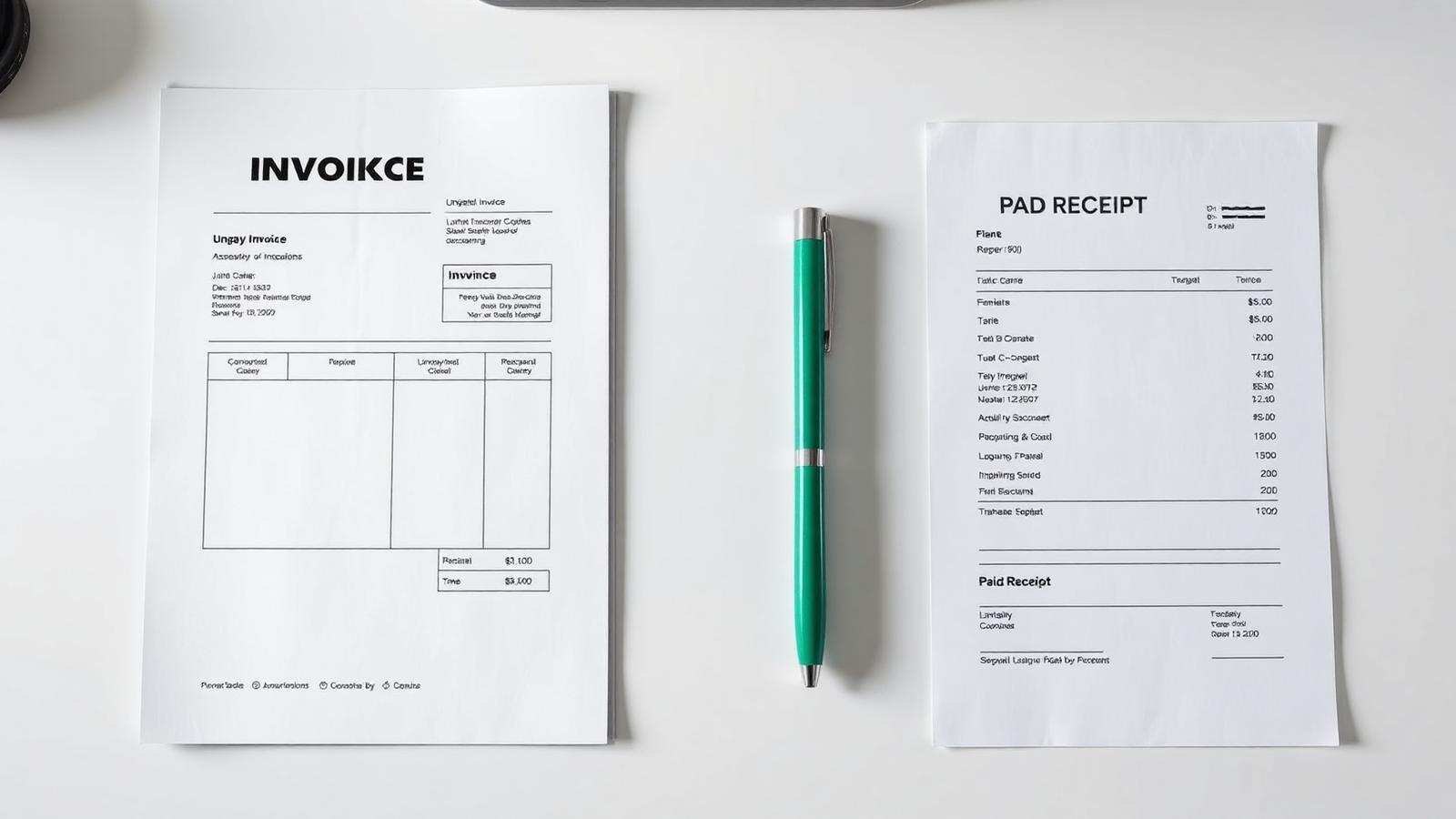
Invoice vs Receipt: The Difference, With Examples
An invoice asks for money; a receipt confirms it arrived. Getting the two mixed up confuses your client, your accountant, and eventually the tax office.
Invoice Number Format: Best Practices for Sequential, Compliant Numbering
Invoice numbering seems trivial until an auditor asks why 2025-0043 is missing. This is the numbering system that stays compliant and stays sane.